A still lets you assess composition, subject placement, and visual errors before adding time and motion. Use this path when the opening frame matters more than a text-only video model’s freedom to stage the scene.
Sample
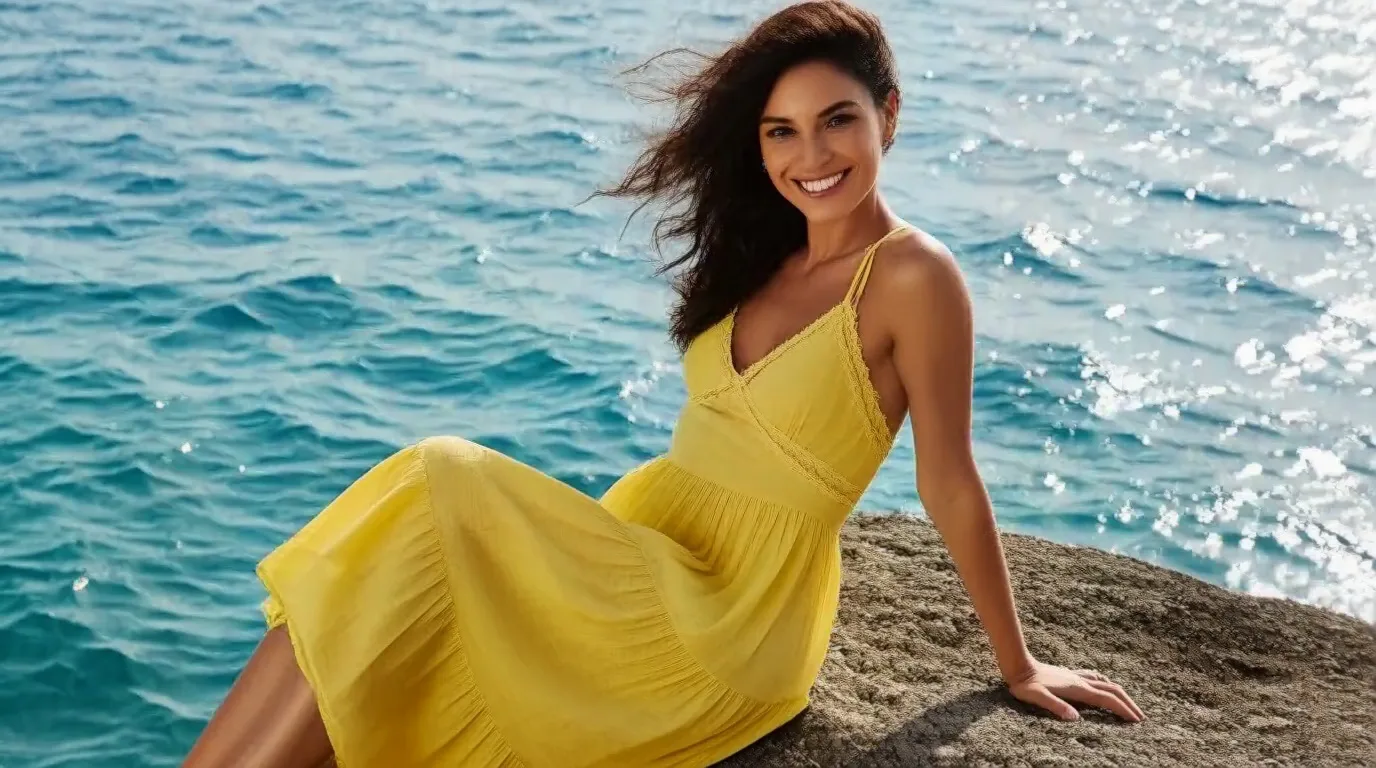
Prompt: An original adult woman aged 32 in an opaque yellow sundress leans against coastal rocks, her dark wavy hair lifted by a sea breeze. Turquoise water sparkles behind her. Natural relaxed smile, balanced medium portrait, detailed fabric, Mediterranean afternoon light.
NSFW Text to Image: design a frame worth animating.
Text to Image is the source-planning stage when you have a composition in mind but no approved still. Create an original adult character, decide the crop, and leave visible space for a later gesture. A visually elaborate image is not always a useful animation source: overlapping hands, hidden outlines, or a crowded background can make the next motion harder to direct. Judge the still on that practical task before moving into video.
Brief the future animation frame
Use the image prompt to settle the static facts first. Once the starting composition is readable, the video brief can concentrate on movement instead of inventing the scene again.
- 01
Invent an original adult subject
Describe a fictional person who is clearly mature, with clothing and a pose suited to the scene. Avoid unauthorized real-person likenesses and any age ambiguity.
- 02
Compose for a later gesture
Specify a frame with visible hands or shoulders if they will move. Leave empty space on the side where the action should end.
- 03
Inspect before you animate
Check the output at normal viewing size for hands, face, clothing, perspective, and unwanted text. Select a usable still rather than assuming the first result is ready.
Compose a new still
These six H3 illustrations explore coastal light, street portraits, warm interiors, and evening fashion. Compare how subject, composition, and lighting shape each Text to Image prompt. Use a prompt as a starting point; the available image models and settings in your generator may produce different results.
Swipe horizontally to explore the examples.
Coastal Gold
PromptAn original adult woman aged 32 in an opaque yellow sundress leans against coastal rocks, her dark wavy hair lifted by a sea breeze. Turquoise water sparkles behind her. Natural relaxed smile, balanced medium portrait, detailed fabric, Mediterranean afternoon light.
Peach Season
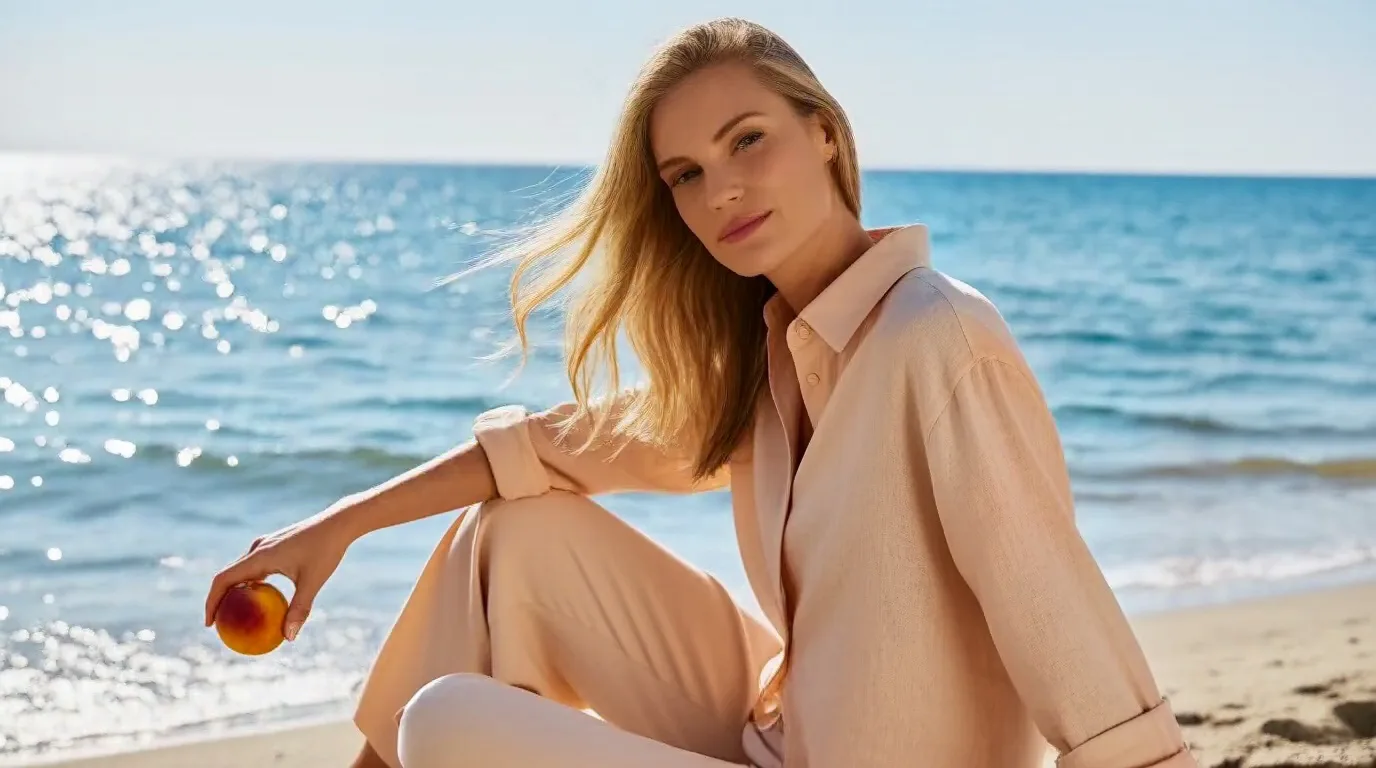
PromptAn original adult blonde woman aged 33, wearing an opaque peach linen shirt and tailored trousers, holds a ripe peach while sitting by the beach. Salt wind lifts her hair, warm sunlight catches her face, natural relaxed expression, quiet summer editorial portrait.
Pearls and Piano
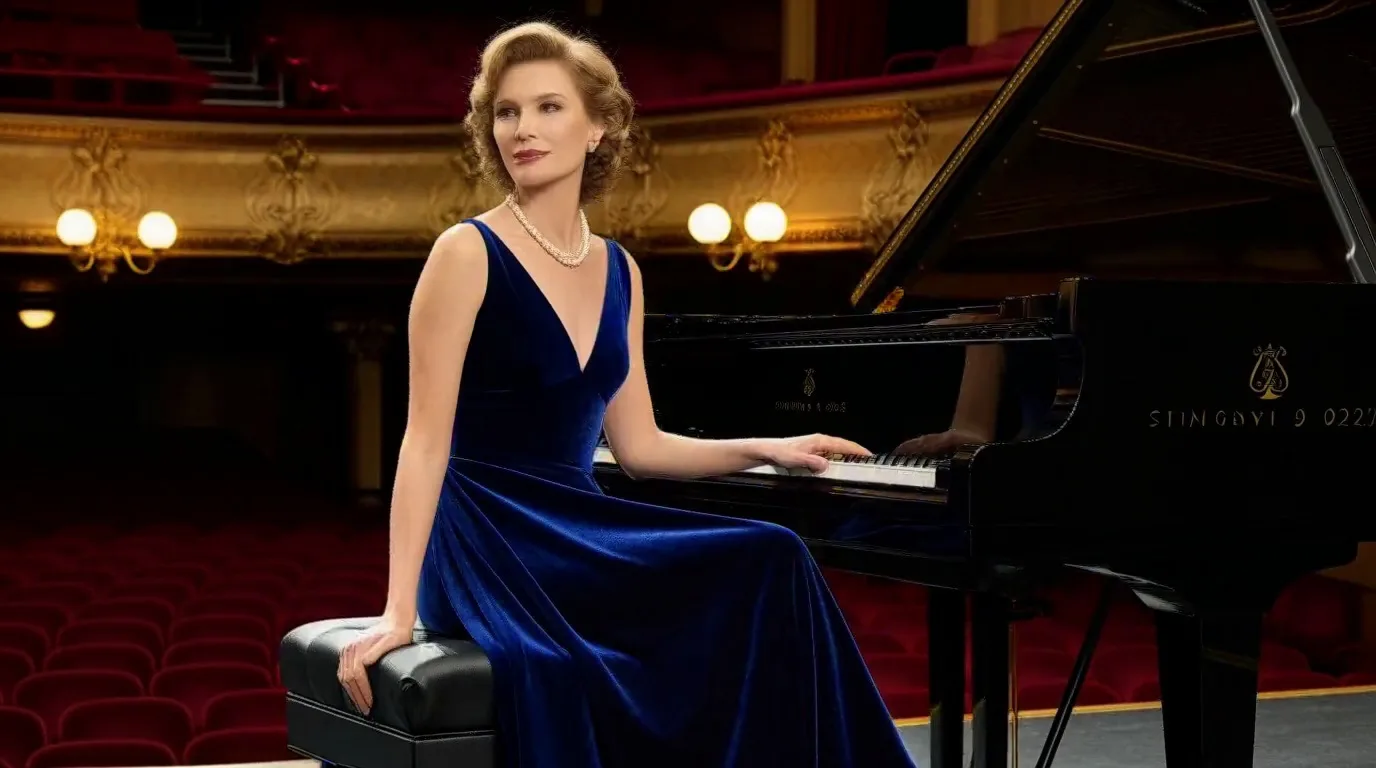
PromptAn original adult woman aged 35 in a fully opaque velvet evening dress and a simple pearl necklace sits beside a grand piano. Warm chandelier light, a velvet theater box behind her, calm confident expression, refined concert-hall fashion portrait.
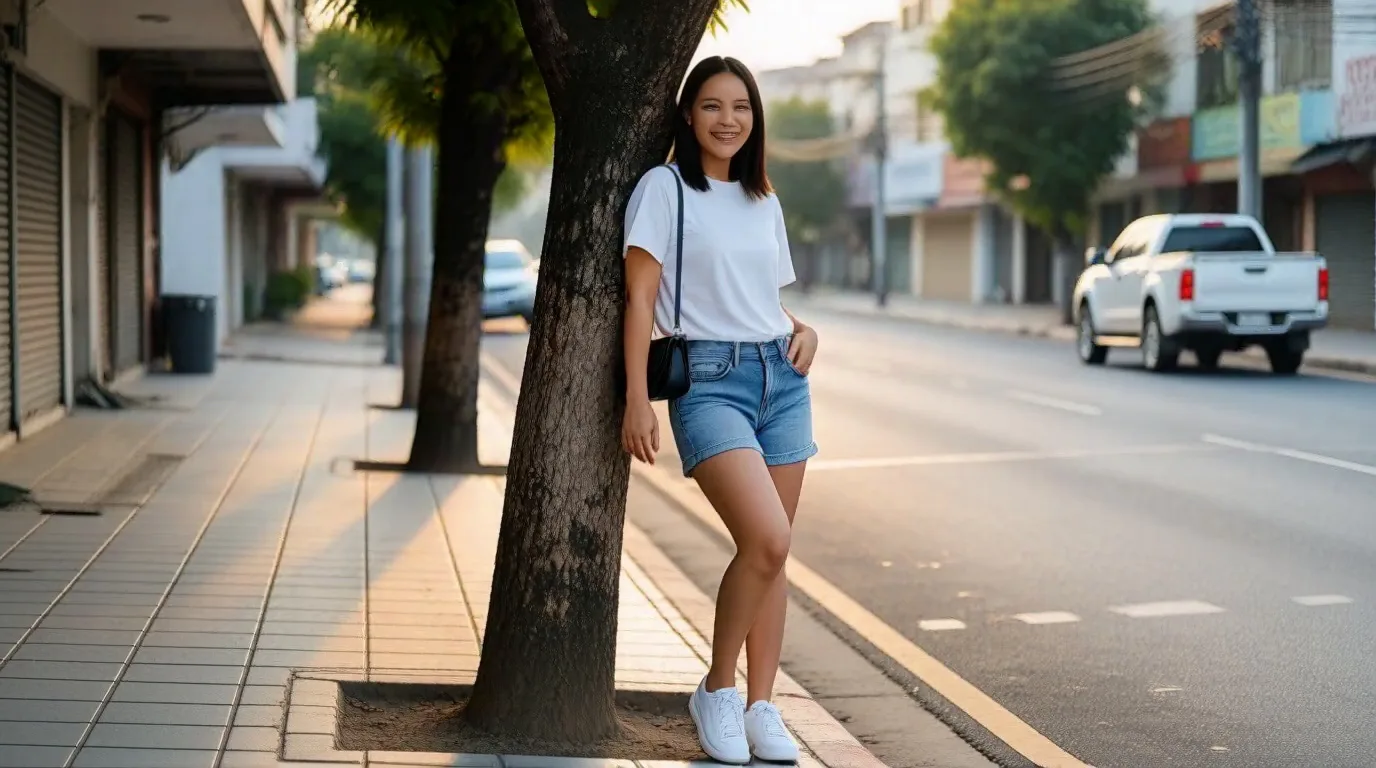
Golden Hour Street
PromptAn original adult Southeast Asian woman aged 31 with straight black hair leans casually against a tree on a sunlit urban street. She wears an opaque white cotton T-shirt, tailored denim shorts and white sneakers, with a small black shoulder bag. Soft golden-hour light, blurred foliage and a parked white pickup, confident friendly smile.
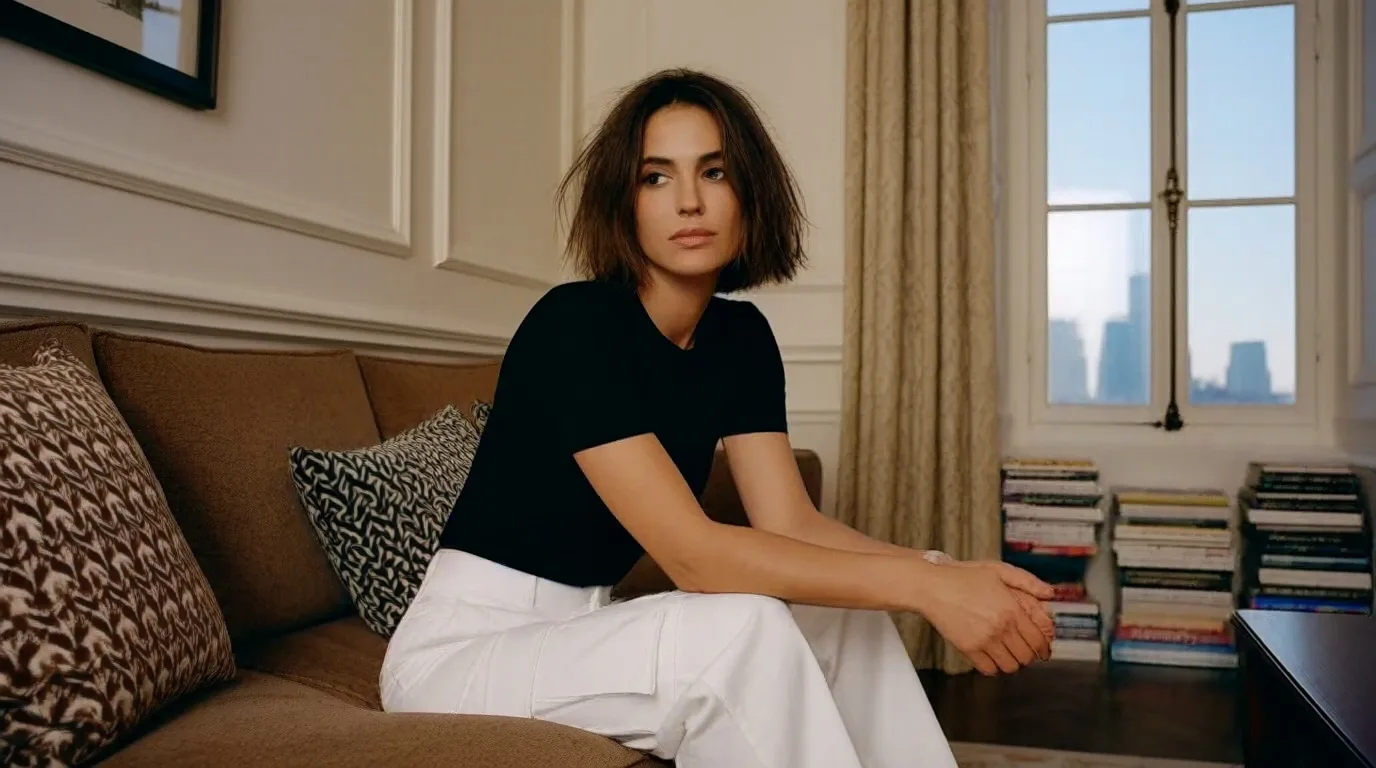
Warm Film Portrait
PromptAn original adult woman aged 34 with a messy brown bob haircut and warm brown eyes sits on a brown couch in an inviting living room. She wears an opaque fitted black top and white cargo trousers. Patterned cushions, stacked books, beige curtains and a tall window showing a distant city skyline. Calm thoughtful expression, warm analog film texture, natural eye-level portrait.
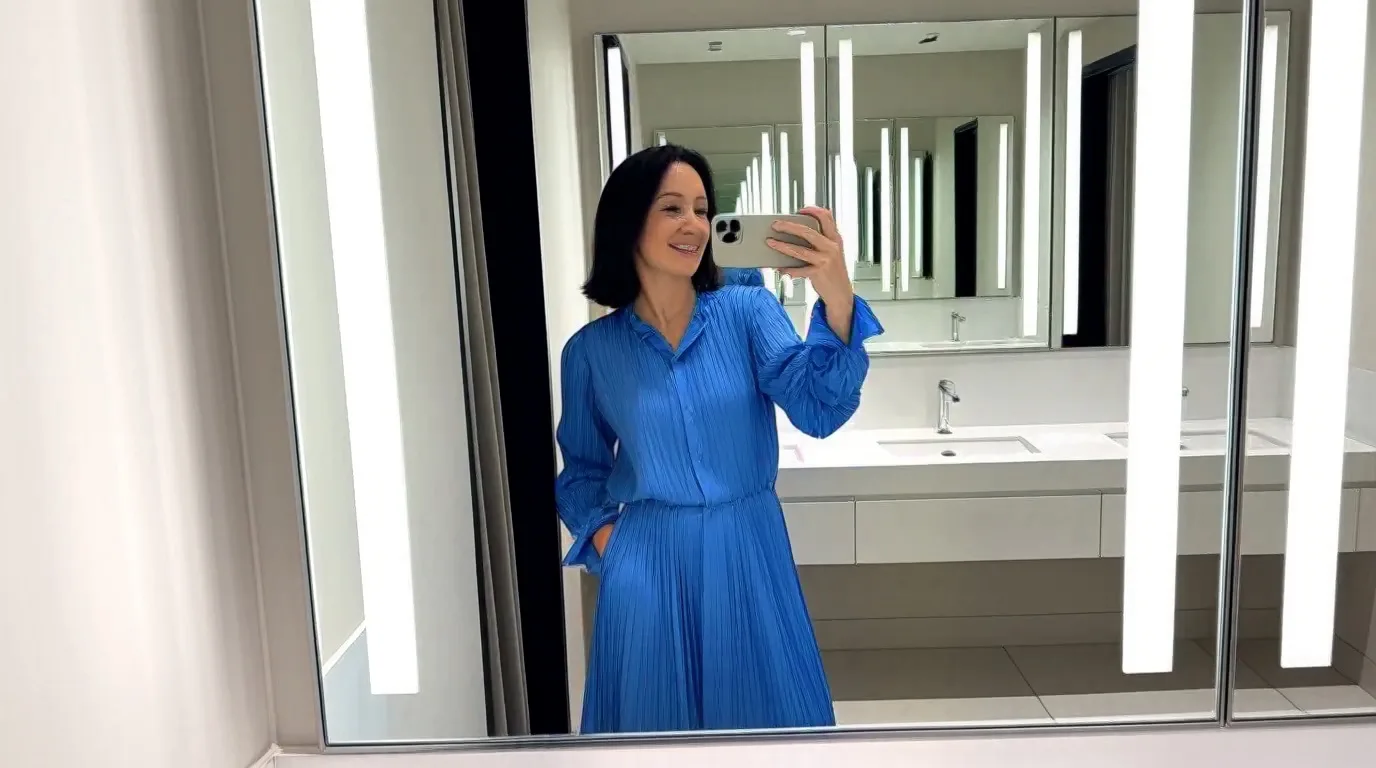
Mirror Moment
PromptAn original adult woman aged 32 takes a casual mirror self-portrait in a bright contemporary dressing room. She is fully dressed in an opaque tailored blouse and full-length trousers. Natural stance, relaxed smile, softly reflected daylight, realistic phone and hands, understated fashion editorial, no readable screen or brand marks.
Text to Image controls for a usable source
Choose an image model and the shape or other controls actually offered in the Workspace. The objective is a strong source composition, not a promise that a named image model or preset will always be available.
| Goal | Focus on | Why it helps |
|---|---|---|
| Prepare a portrait | A supported shape matching the planned view | Reserve space around the head so the next workflow does not begin with an overly tight crop. |
| Prepare a full-body gesture | A framing choice that includes hands and feet | Visible extremities are easier to inspect before animation than invented off-frame detail. |
| Compare scene layouts | One prompt change per attempt | Move the subject or simplify the background while keeping the remaining brief consistent. |
| Plan the source budget | The live image Credit estimate | Image generation and later animation are separate decisions and can require separate Credits. |
Reject source problems before they become motion problems
An attractive color palette can hide a weak starting frame. Review the parts that will move and the surfaces behind them. A fresh, simpler image can be more useful than trying to animate an unresolved visual error.
- The hands overlap the costume
- Ask for a relaxed, separated hand position and remove unnecessary props from the image brief.
- The frame is too tight for motion
- Generate a wider composition or move the subject inward rather than expecting the video model to invent the missing area.
- The adult age is visually ambiguous
- Discard the result and describe an unambiguously mature fictional adult. Do not rely on a prompt label to excuse unclear imagery.
- The background dominates
- Use one architectural setting and one light source; retain only the details needed for the planned movement.
Text to Image questions
Practical answers about live settings, Credits, account access, and consent-first creation.
A usable generated image can become the source for Image to Video where the live workflow permits it. Review the image first, then choose the available video model and motion settings; the second stage is a separate generation request.
Readable subject outlines, a purposeful crop, and enough room for the intended movement are useful starting points. Check faces and hands at full viewing size. These are composition recommendations rather than model guarantees.
Use original fictional adults or authorized source workflows. An adult audience does not permit unauthorized impersonation or non-consensual intimate use of a real person’s likeness.
You can inspect the public form and currently available image controls first. An authenticated account is required to submit, and availability follows the live catalog.
Do not assume so. Review the live Credit estimate for each generation and the current pricing information. This page does not promise a bundled cost, free attempts, or unlimited use.
Build a clear opening frame before adding time.
Return to the Text to Image form with an original adult character and a composition chosen for the movement you want to test.
Maintained by the nsfwimg2video editorial team · Last reviewed