This route generates a new still image from a source and instructions. It does not edit a clip’s timeline, replace a video background, or extend an uploaded video.
Sample
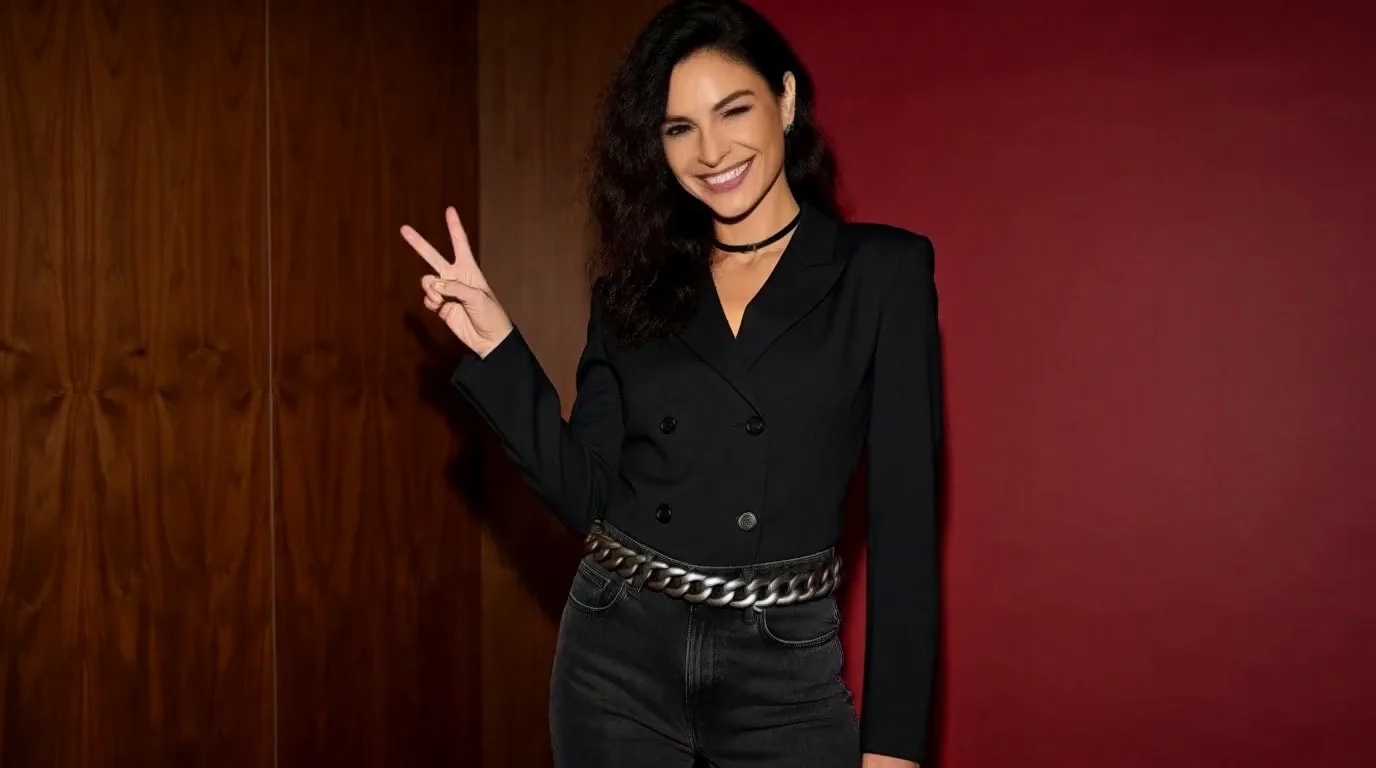
Prompt: Preserve the adult subject identity from the input. Create a new full-length fashion composition against dark wood paneling and a deep red wall. Dress her in an opaque black jacket, black denim trousers, chunky silver chain belt and a simple choker. Friendly wink and peace sign, crisp direct-flash photography, no printed text or logos.
NSFW Image to Image: repair the setup before the motion.
Image to Image creates a new image from an authorized source and an editing instruction. In the nsfwimg2video workflow, use it to make one preparation decision: simplify a background, adjust a distracting light, or reconsider a crop before animation. State what should change and which visible qualities matter most. The model may reinterpret other areas too, so inspect the edited image before treating it as the source for a new video.
Separate the requested edit from the visual anchor
A useful editing brief names a change and a reason. Keep the goal tied to a future shot rather than accumulating unrelated styling instructions that obscure the source.
- 01
Choose the authorized starting version
Use the strongest permitted source, not an already damaged sequence of edits. Confirm consent covers this transformation and intended adult context.
- 02
Request one preparation change
Name the background, light, or composition decision you want to test. Explain how it should support a particular gesture or camera view.
- 03
Recheck the whole adult image
Compare important facial, anatomical, wardrobe, and background details. A localized instruction does not guarantee a localized change or exact preservation.
Give an image a new direction
Each Image to Image example separates a requested change from a visual constraint. These six H3 illustrations explore wardrobe, hair, environment, and lighting edits of original adult portraits. Apply a prompt, then provide your own authorized image. Available image models may produce different results and do not guarantee exact preservation.
Swipe horizontally to explore the examples.
Gothic Street Style
PromptPreserve the adult subject identity from the input. Create a new full-length fashion composition against dark wood paneling and a deep red wall. Dress her in an opaque black jacket, black denim trousers, chunky silver chain belt and a simple choker. Friendly wink and peace sign, crisp direct-flash photography, no printed text or logos.
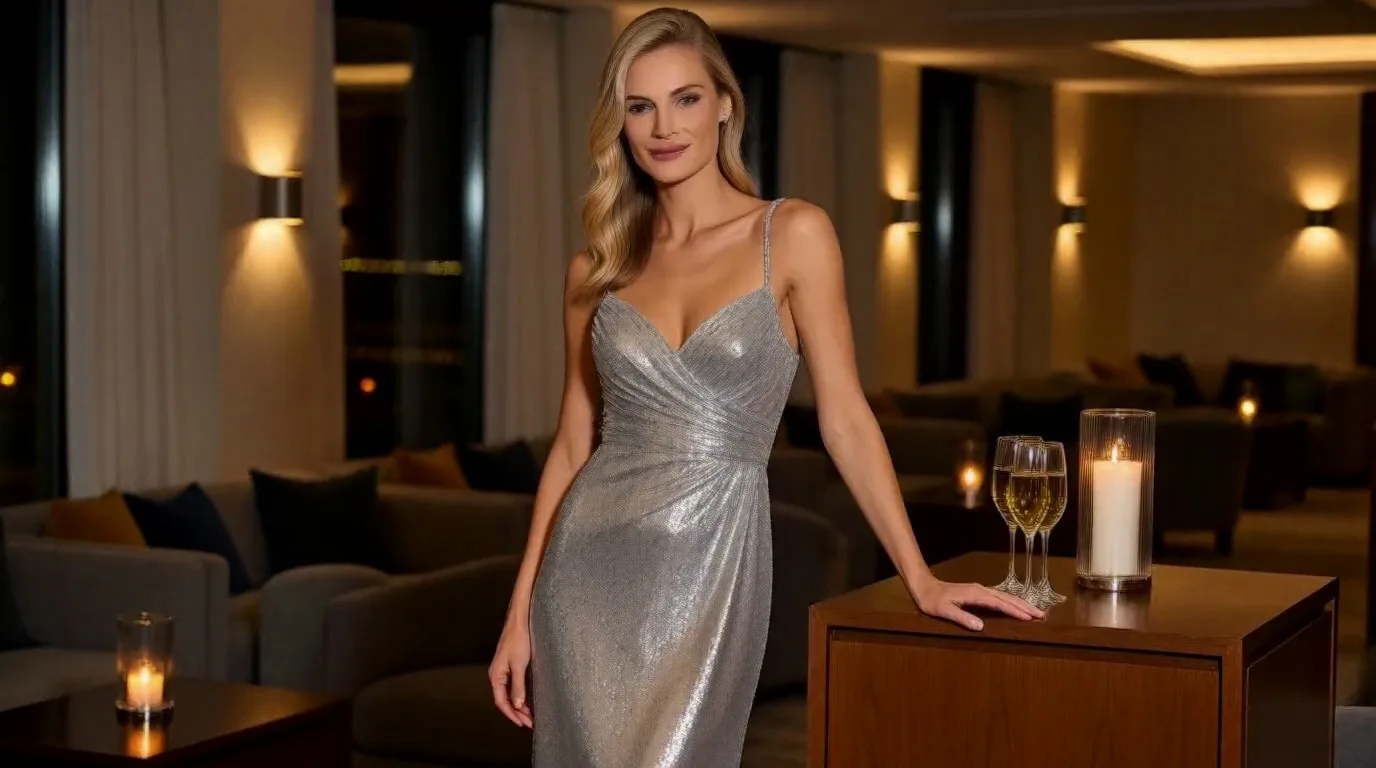
Silver Lounge
PromptPreserve the adult subject identity and blonde hair from the input. Change the outfit to a fully opaque silver evening dress and place her beside a wooden pedestal in a warm champagne-lit lounge. Natural calm smile, softly glowing practical lights, refined night-out fashion portrait.
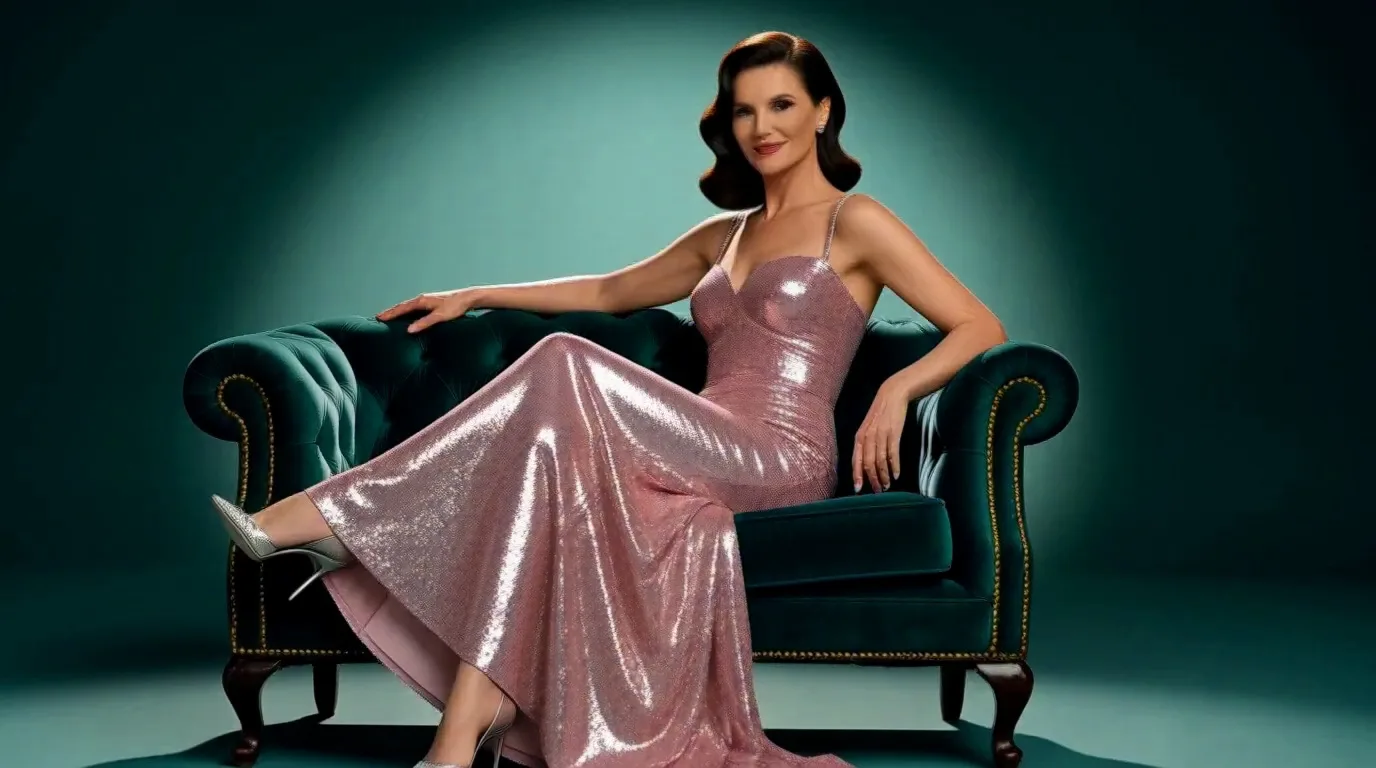
Emerald Spotlight
PromptPreserve the adult subject identity and seated pose from the input. Change the outfit to an opaque pink sequin evening dress, style the hair in sleek dark waves, and replace the background with emerald velvet under a soft studio spotlight. Relaxed crossed ankles, confident smile, balanced high-fashion composition.
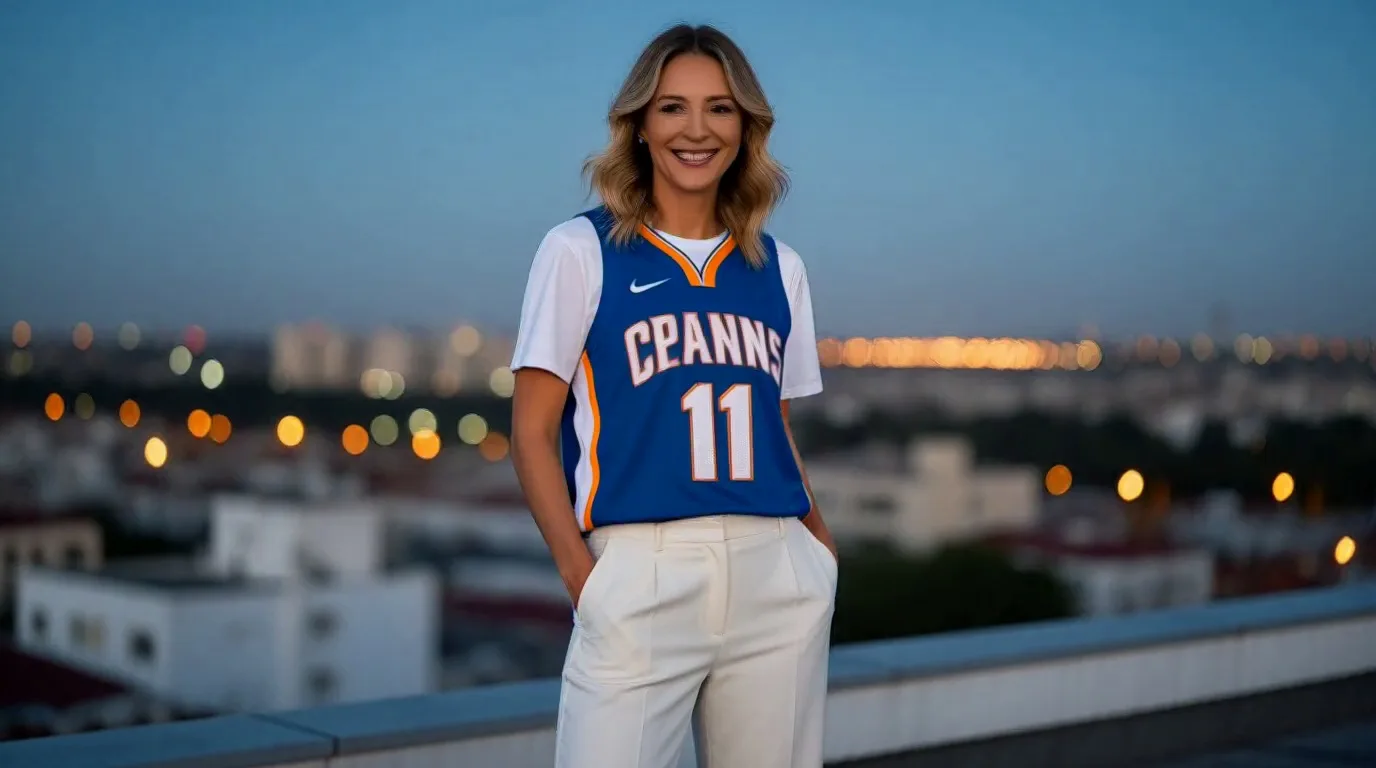
Rooftop Sport
PromptPreserve the adult subject identity from the input. Create a sporty rooftop portrait at dusk with a fully opaque basketball jersey over a white T-shirt and tailored trousers. Sandy-blonde wavy hair, distant city-light bokeh, natural standing pose, clean editorial lighting. No team names or logos.
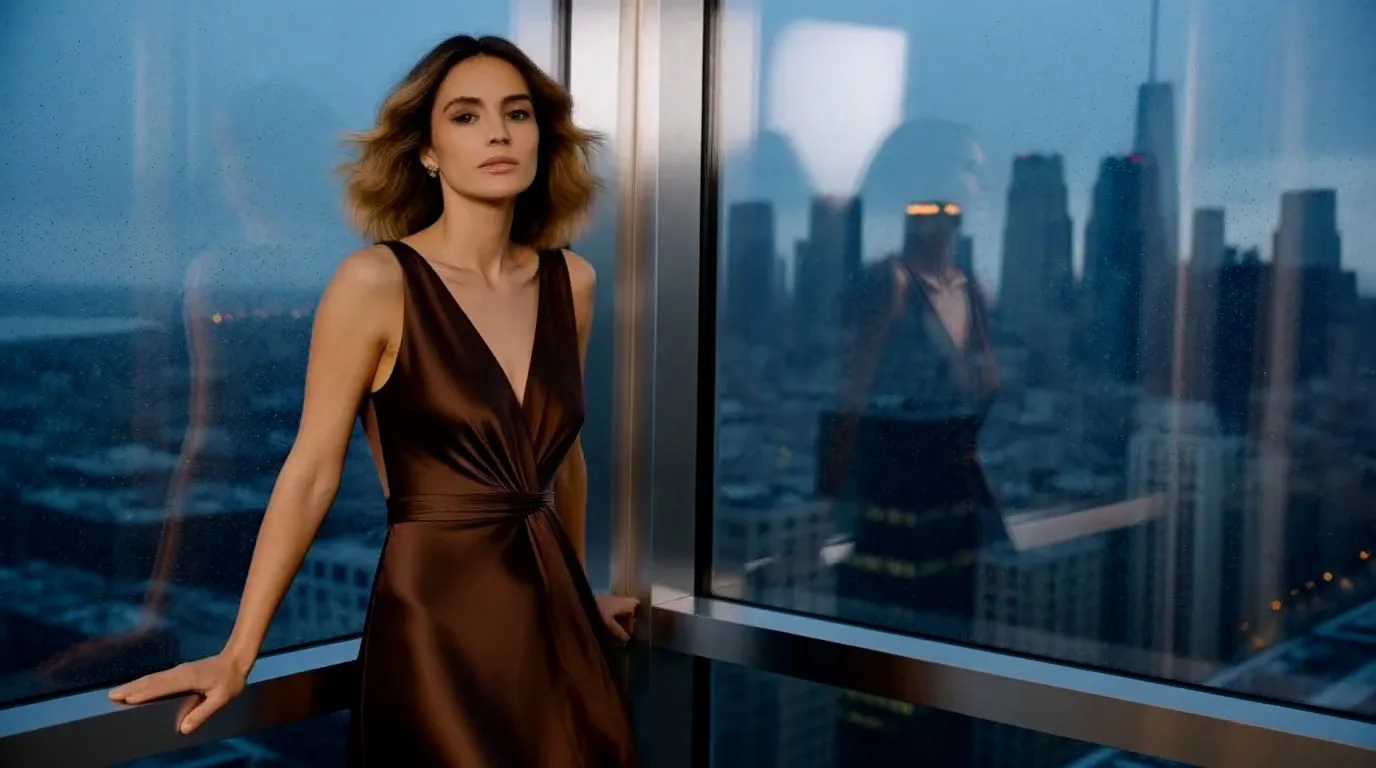
Rain at Blue Hour
PromptPreserve the adult subject identity from the input. Dress her in a fully opaque brown satin evening outfit and place her beside a rain-speckled glass balcony overlooking a city at blue hour. Honey-blonde waves, calm direct gaze, cool cinematic reflections, detailed fabric and natural hands.
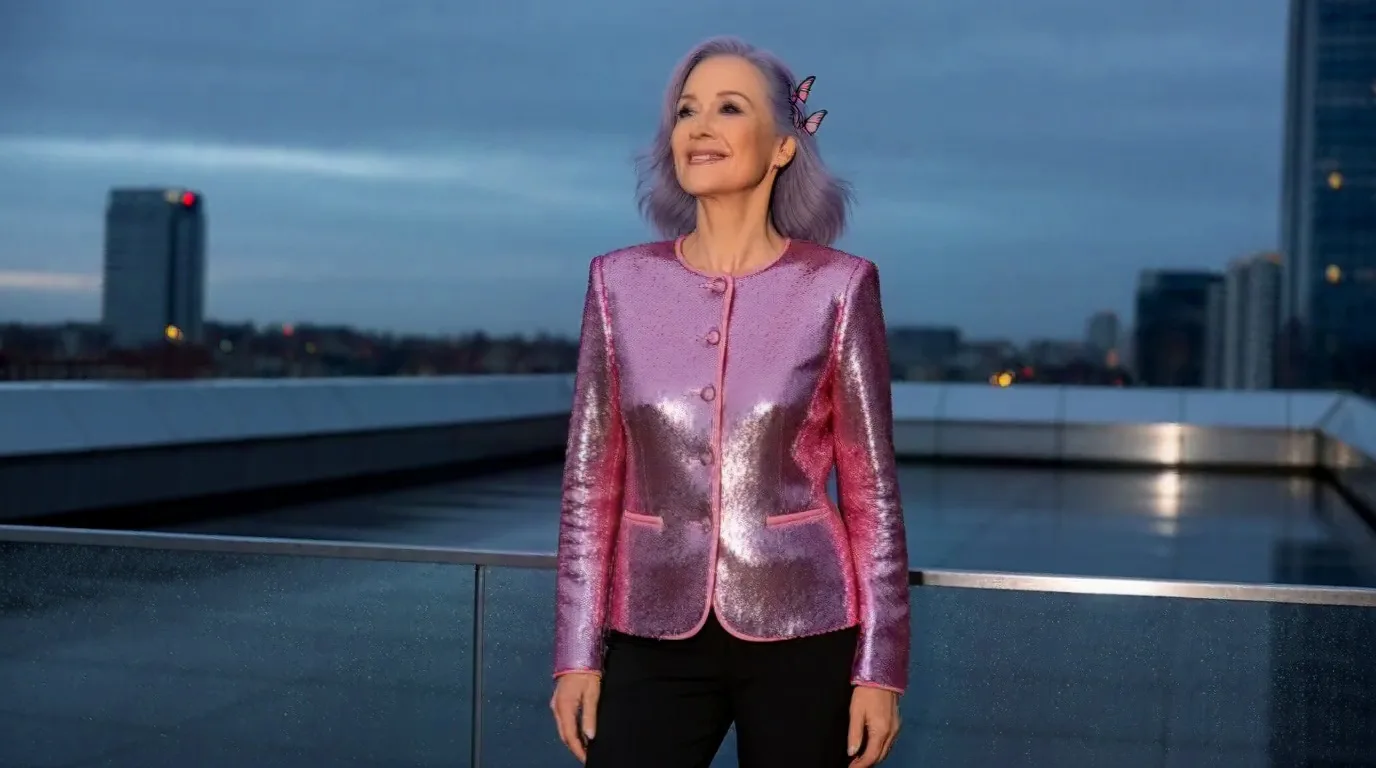
Lavender After Rain
PromptPreserve the adult subject identity from the input. Create an evening rooftop fashion portrait with lavender hair and small butterfly clips, a fully opaque pink sequin jacket and black trousers. Mist after rain, wet-pavement sparkle, soft flash lighting and a relaxed upward glance.
Image to Image settings for a controlled comparison
The model determines which sources and controls the editing workflow accepts. Choose the current setup in the Workspace and check its estimate. This route does not promise masks, deterministic pixel edits, or an exact strength control unless the live model provides them.
| Goal | Focus on | Why it helps |
|---|---|---|
| Keep the comparison meaningful | The same source image between attempts | An unchanged source isolates the difference made by a new editing instruction. |
| Prepare a different frame | Shapes supported by the selected image model | Inspect any newly interpreted edges before using the output as an animation input. |
| Judge a subtle change | A short editing instruction | A single light or background request is easier to compare than a complete visual makeover. |
| Limit repeated reworking | Review each new output before another request | Return to the best original when successive edits drift away from the intended composition. |
When an edit introduces a new problem
Compare the original and edited version side by side. Identify the useful change and the new error separately. The next request should not silently accept altered anatomy or identity just because the background improved.
- The pose changes with the background
- Shorten the transformation request and identify the source pose as important. Exact preservation still cannot be guaranteed.
- Repeated edits lose the original scene
- Return to the best authorized starting file and request only the useful changes in a single new attempt.
- New objects appear near the hands
- Remove props from the brief and inspect every boundary before sending the result to a motion workflow.
- A change implies different consent
- Stop and confirm authorization for the intended transformation. Technical acceptance of a file is not proof of permission.
Image to Image questions
Practical answers about live settings, Credits, account access, and consent-first creation.
No. The model can change details beyond the area mentioned in the prompt. Check the adult subject, anatomy, clothing, and framing before saving or animating the output.
If a problem is already visible in the still, prepare a stronger source first. If the starting image is clear and the problem appears only as movement begins, simplify the motion brief in Image to Video.
Review it first and use the available Image to Video handoff where offered. Select the video setup separately and inspect its current estimate; an accepted image is not a guarantee of a good clip.
You need the rights and informed consent appropriate to this processing and intended use. Do not use an edit to create non-consensual intimate material, impersonate a real person without authorization, or depict anyone underage or age-ambiguous.
The live form exposes the selected model’s controls and current Credit estimate. Sign in to submit a request. Do not assume a specialist feature such as masking is present from an editorial example alone.
Make one useful change to the starting frame.
Return to Image to Image with your authorized source, the preparation goal, and a short description of the qualities that matter.
Maintained by the nsfwimg2video editorial team · Last reviewed